
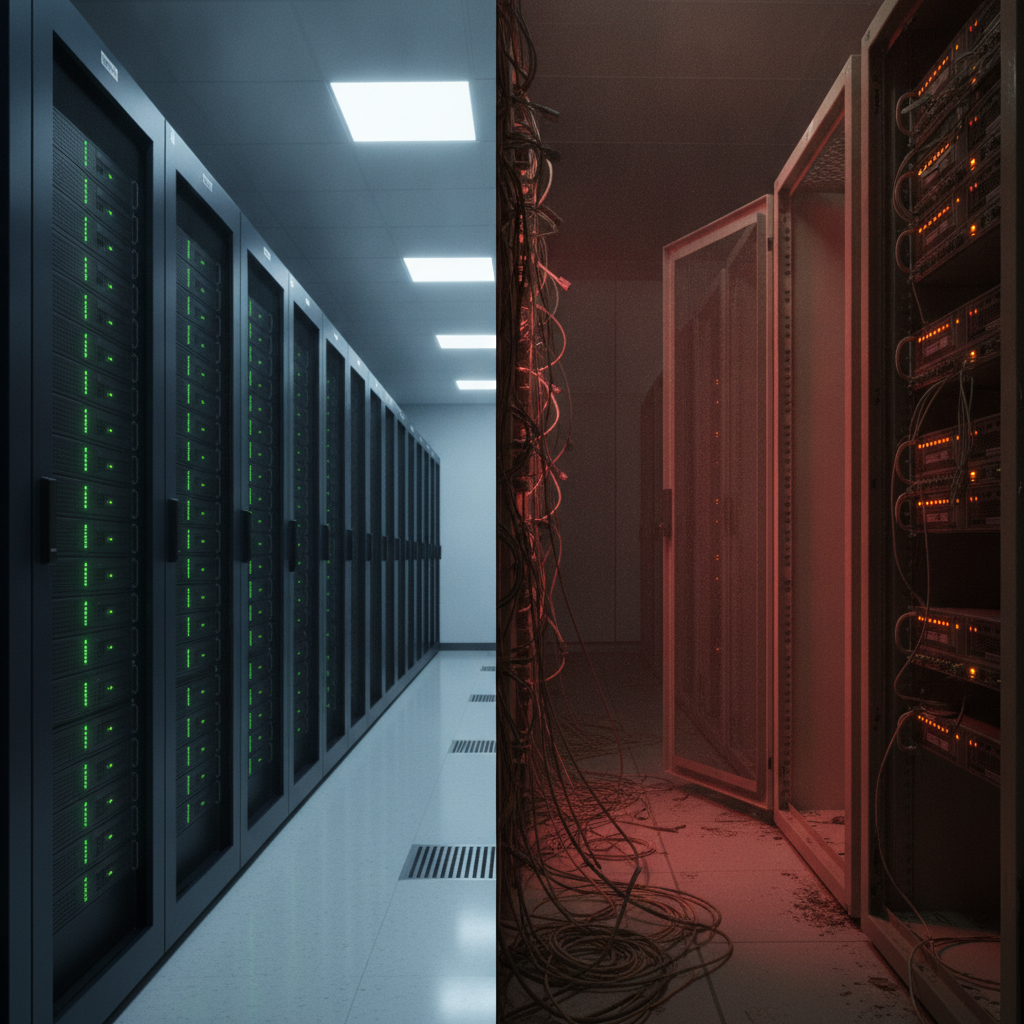
The Budget Argument You're Having Is the Wrong One
Anyone managing IT for a small organization in 2026 has had some version of this conversation: leadership sees the quote for a server refresh — hardware prices have roughly doubled since 2022 — and the answer comes back as a hard no. The servers are still running. Nothing is visibly on fire. Why spend $15,000 to $40,000 on hardware that technically still works?
It's a reasonable question until you understand what "technically still works" actually means for a server that's past its end-of-life date. At that point, the question isn't whether you can afford to refresh. It's whether you can afford not to.
What EOL Actually Means for Your Attack Surface
End-of-life hardware doesn't stop working — it stops being defended. No more firmware patches. No more security updates. No more vendor response when a critical vulnerability drops. The server keeps humming along, but every new CVE that touches its OS, firmware, or management interface becomes a permanent, unresolvable exposure.
According to The Hacker News, time-to-exploit has collapsed in 2026. Anything internet-facing is at immediate risk the moment a vulnerability is disclosed — sometimes within hours. For a supported server, that's a race between your patch cycle and an attacker's automation. For an EOL server, there is no patch. You lose that race before it starts.
This isn't theoretical. According to The Hacker News, attackers recently exploited three Fortinet FortiSandbox vulnerabilities — including one that was weaponized before a patch was even available. That's an on-premises network appliance, the same category of hardware small organizations are routinely running past refresh cycles. The lesson: attackers don't wait for you to get your budget approved.
The CISA Signal You Shouldn't Ignore
When CISA adds something to its Known Exploited Vulnerabilities catalog, it's not a suggestion — it's a confirmation that active exploitation is already happening in the wild. According to The Hacker News, CISA recently flagged a Joomla JCE vulnerability with a CVSS score of 10.0 — the maximum — for allowing remote PHP code execution on unpatched systems.
The parallel to EOL hardware is direct. Organizations running servers that can no longer receive security updates face the same unresolvable exposure as anyone running that unpatched Joomla instance. The difference is that a CMS can be updated or replaced cheaply. An EOL server cannot be patched at all.
If your on-premises infrastructure is running Windows Server 2012, older Debian releases, or any firmware that's past vendor support, you are running the equivalent of a CVSS 10.0 exposure that you cannot close — and CISA's catalog grows longer every week.
The Math That Wins the Budget Argument
Here's the framework to bring to leadership when the refresh quote gets rejected:
Cost of a server refresh: $15,000–$40,000 for a typical small business server environment, amortized over 5 years = $3,000–$8,000 per year.
Cost of a breach involving an EOL server: - Average SMB ransomware incident: $170,000–$500,000 (remediation, downtime, recovery) - Regulatory fines if customer data is exposed: $10,000–$150,000+ - Cyber insurance premium increases post-breach: 30–100% - Reputational damage and customer churn: difficult to quantify, often permanent for small businesses
You don't need a breach to happen to justify the math. You need leadership to understand that running EOL hardware is not a cost-neutral decision — it's a slow accumulation of uninsurable risk. Many cyber insurers now explicitly ask about EOL systems during underwriting. Running them can void coverage or trigger exclusions exactly when you need the policy most. As we covered in our post on ransomware liability and small business legal risk, the downstream legal and financial exposure from a preventable breach is increasingly falling on the organization — not just the attacker.
Knowing the Risk Isn't Enough — You Have to Quantify It
One of the harder parts of this conversation is that sysadmins often know their EOL hardware is a problem. The challenge is translating that knowledge into something leadership will act on. According to The Hacker News, the gap between identifying a risk and confidently prioritizing it is where most security programs stall. The article's focus on adversarial exposure validation maps directly onto the sysadmin's challenge: you need to show what is exposed, how exploitable it is, and what it would cost if it were hit.
That means doing more than pointing at an EOL date on a spec sheet. It means running a vulnerability scan against your actual environment, documenting what's exposed, and presenting it as a risk-cost comparison — not a hardware request.
As we've written about in our guide to Windows Server patching and the cost of skipping critical vulnerabilities, the pattern is consistent: deferred patching and deferred refreshes look like savings until the moment they don't. At that point, the cost is rarely just the fix — it's everything downstream.
Practical Steps Before the Refresh Budget Is Approved
If the refresh isn't happening immediately, here's what to do in the meantime:
- Inventory every EOL system. Know exactly what's running, what OS version, and when vendor support ended. You can't defend what you haven't mapped.
- Isolate EOL systems from internet-facing exposure. If a server doesn't need to be reachable externally, make sure it isn't. Network segmentation limits blast radius.
- Run a vulnerability scan now. Understand what's actually exploitable on your current infrastructure before an attacker does. Document findings to support the budget conversation.
- Check your cyber insurance policy language. Look for EOL exclusions or conditions that require supported, patched systems. Know where you stand before a claim.
- Build the cost comparison. Use real breach cost data, your insurance premiums, and your downtime costs to frame the refresh as risk reduction, not hardware spend.
For CMMC Level 1 contractors, this isn't optional framing — it's a compliance requirement. Running unpatched, EOL infrastructure on a network that touches CUI puts your contract eligibility at risk alongside your security posture. Our CMMC Level 1 compliance guide covers what's required and where EOL systems create audit exposure.
The Refresh Conversation Has Changed
In 2024, the server refresh argument was about hardware price sticker shock. In 2026, with time-to-exploit measured in hours and CISA's KEV catalog expanding weekly, the argument has shifted. The question is no longer whether you can justify the cost of new hardware. It's whether you can justify the risk of running the old stuff.
EOL servers don't announce themselves to attackers — but vulnerability scanners and automated exploit tools find them anyway. The organizations that get breached on EOL infrastructure rarely saw it coming. The organizations that avoided it usually made the math visible before the incident did.
Take Action: Know What's Exposed Before Attackers Do
If you're running EOL hardware or approaching a refresh decision, the first step is understanding exactly what your current infrastructure is exposing. A vulnerability scan gives you the documented evidence you need — both to close gaps and to win the budget conversation with leadership.
Oscar Six Security's Radar delivers professional vulnerability scanning for $99 per scan — giving small businesses and IT admins the visibility to prioritize risk without enterprise-level spend. Whether you're building a refresh business case, preparing for a CMMC audit, or just want to know what's actually exposed on your network, Radar surfaces what matters.
Focus Forward. We've Got Your Six.