
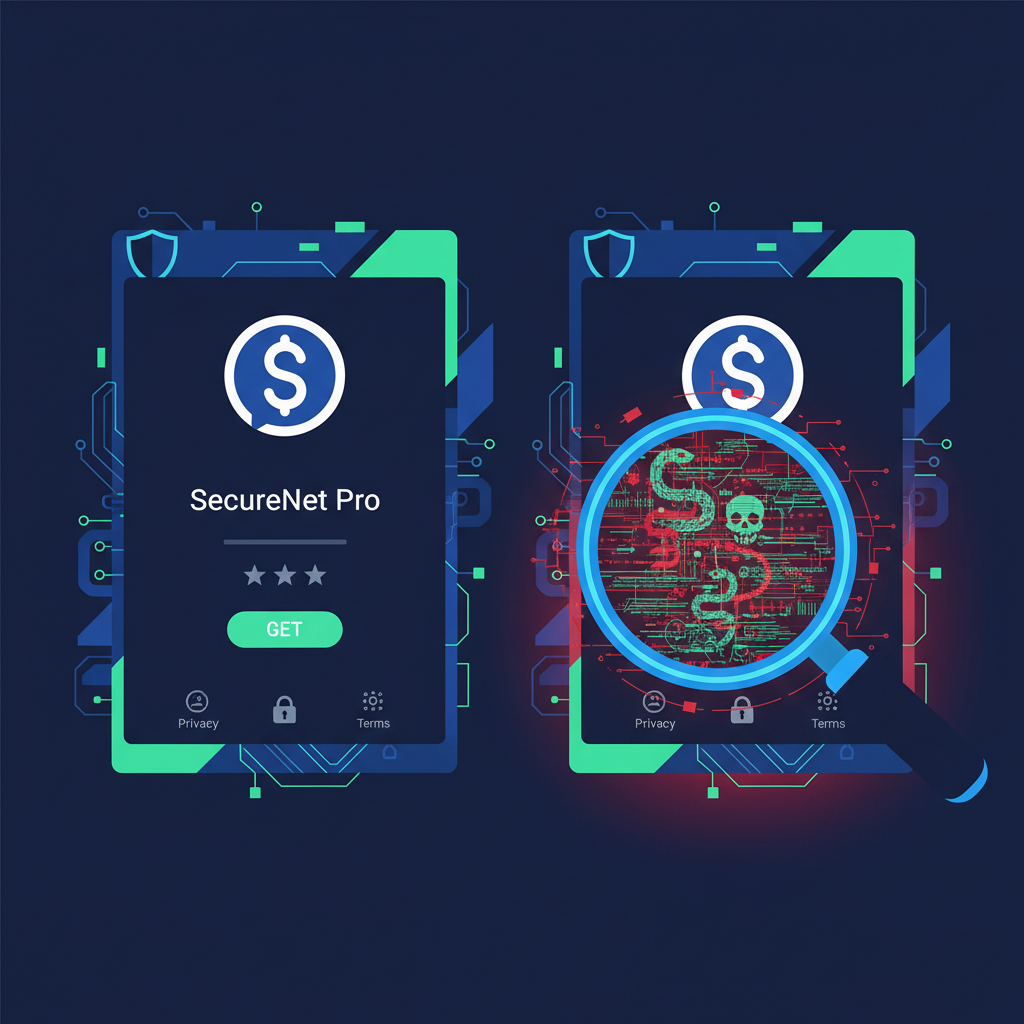
A musician sat down one evening and downloaded what looked like a legitimate Ledger app from Apple's App Store. It had good reviews, a polished icon, and a familiar name. Within hours, his life savings in cryptocurrency were gone. The app was fake — a near-perfect clone designed to harvest wallet credentials the moment he typed them in.
This wasn't a phishing email. He didn't click a sketchy link. He used an official app store.
If it can happen to an individual on a curated platform, it can happen to your employees downloading accounting tools, remote access clients, or productivity apps on your business devices. And the consequences for a small business can be far worse.
App Stores Are Not a Security Guarantee
There's a dangerous assumption baked into how most small businesses handle software: if it's in the app store, it's safe. That assumption is costing businesses real money.
According to The Hacker News, Google blocked 8.3 billion policy-violating ads and suspended 24.9 million advertiser accounts in 2025 alone — while simultaneously overhauling Android 17's app permission architecture to combat the scale of malicious app distribution. That's not a minor cleanup. That's evidence of an ongoing, industrial-scale problem inside one of the world's most heavily moderated ecosystems.
And it's not just mobile. The CPUID website — the official home of HWMonitor, a tool used by IT admins everywhere — was hijacked to serve trojanized downloads to unsuspecting users who typed the correct URL into their browser. No phishing. No typo. Just a compromised legitimate site delivering malware instead of software.
The Threat Has Evolved Beyond Obvious Fakes
Attackers aren't just slapping a fake logo on malware anymore. The campaigns targeting small businesses today are sophisticated, layered, and increasingly hard to distinguish from the real thing.
According to SANS ISC, Lumma Stealer — one of the most prevalent credential-harvesting payloads in active circulation — is being delivered through exactly this vector: trojanized software downloads that appear legitimate until the moment they silently exfiltrate passwords, session tokens, and financial credentials from the infected machine.
North Korean threat group Sapphire Sleet has taken this further, using fake Zoom update pages and phony job offer portals to deliver ClickFix attacks against macOS users — a direct reminder that Mac is not a safe harbor. If your team assumes their MacBook is immune to fake-app threats, that assumption is a liability.
And according to The Hacker News, attackers are now weaponizing plugins inside trusted productivity applications like Obsidian to deliver remote access trojans (RATs) targeting finance and crypto businesses. The attack surface has expanded from app stores to plugin marketplaces inside tools your team already trusts and uses daily.
Perhaps most alarming: adware that appeared completely harmless for months recently pushed an update that disabled Windows Defender and established persistent backdoor access. The software had been on machines for a long time. It had never triggered an alert. Then one update changed everything.
This is why we've written before about why unpatched vulnerabilities create more risk than zero-days — the threat often hides in plain sight, in software you already decided to trust.
The 5-Minute Verification Habit That Changes Everything
You don't need a security team or a six-figure budget to dramatically reduce your exposure to fake and trojanized software. You need a repeatable process your team actually uses.
Here are five verification steps that take under five minutes and should become standard practice before any software is installed on a business device:
1. Verify the publisher, not just the name. In any app store, click through to the developer's profile. Search the developer name independently. Does it match the company that actually makes this software? Fake apps frequently use names one character off from the real publisher.
2. Cross-reference the official website. Before downloading anything, go to the software vendor's official website directly — type it manually or use a bookmark, never follow a search ad. Confirm the download link on their site matches where you're being sent. If the site looks different than you remember, stop.
3. Check the file hash before installation. Legitimate software vendors publish SHA-256 checksums for their installers. After downloading, verify the hash using built-in tools (CertUtil on Windows, shasum on Mac). If it doesn't match, the file has been tampered with.
4. Scan the installer before running it. Upload the installer file to VirusTotal before executing it. This takes 60 seconds and will flag known malicious signatures across dozens of antivirus engines simultaneously.
5. Review requested permissions critically. Before clicking through an install wizard, read what the software is asking for. A PDF reader that wants network access and the ability to modify system files is a red flag. Treat unusual permission requests the same way you'd treat an unusual wire transfer request — pause and verify.
For IT admins managing multiple endpoints, this is also a strong argument for application allowlisting — only pre-approved, verified software can execute on business machines. As we covered in our overview of small business endpoint protection and security basics, building a short approved-software list is one of the highest-ROI controls a small business can implement.
The Credential Theft Consequence
When fake app malware succeeds, the immediate damage is often credential theft — not ransomware, not obvious destruction. Lumma Stealer and similar tools quietly harvest browser-saved passwords, session cookies, crypto wallet keys, and banking credentials. The business owner often doesn't know anything happened until a bank account is drained or a Microsoft 365 account is used to launch an internal phishing campaign against their own customers.
This connects directly to a broader pattern we've documented around accidental credential exposure through third-party integrations — once credentials leave your environment, the blast radius expands fast.
What This Means for Your Business Right Now
The five steps above are free and available to any business today. But verification habits only work if they're enforced consistently — and most small businesses don't have visibility into what's actually being installed on their endpoints day to day.
That's the gap that turns a single employee's unverified download into a company-wide incident.
Take Action
Verification habits reduce risk. Visibility eliminates blind spots.
If you don't know what software is running across your business endpoints right now, that's the first problem to solve. Oscar Six Security's Radar gives small businesses and their IT teams a clear picture of their attack surface — including endpoint exposure, misconfigurations, and vulnerabilities that open the door to exactly the kind of trojanized software attacks described above.
Radar is $99 per scan. No enterprise contract. No six-month commitment.
Proactive scanning catches what fake apps leave behind before attackers can use it. See how Radar works →
Focus Forward. We've Got Your Six.