
When Your Login Says "A Graphical Session Is Already Running" (When It Isn't)
We upgraded a workstation VM from Ubuntu 25.10 to 26.04.1 LTS this morning. Standard do-release-upgrade, thirteen extra package updates on the tail end, one clean reboot. Everything came back up.
Then one of the two user accounts on the box could not log in to the desktop.
Password accepted. Screen flashed. Right back to the greeter. Every time. Every method. Password login, autologin, cold reboot with zero prior state. The other user on the same box worked fine on the same screen.
Here is what we learned. Post it here so the next person searching for the exact error text saves the two hours we didn't.
The error
gnome-session-i[PID]: A graphical session is already running!
gdm3: GdmDisplay: Session never registered, failing
Google that message and you will find plenty of forum posts telling you the fix is one of:
- Delete
~/.config/dconf/user - Kill the leftover session with
loginctl terminate-user - Nuke
.Xauthorityand.ICEauthority - Reset
/var/lib/AccountsService/users/USERNAME - Disable Wayland with
WaylandEnable=falsein/etc/gdm3/custom.conf
We tried all of them. None of them worked. Autologin failed the same way, which ruled out anything password or keyring-related. Full reboot with terminated user manager failed the same way, which ruled out lingering session state. Randy's account on the same greeter worked, so it was not GDM itself.
The one command that cracked it
From the working admin account:
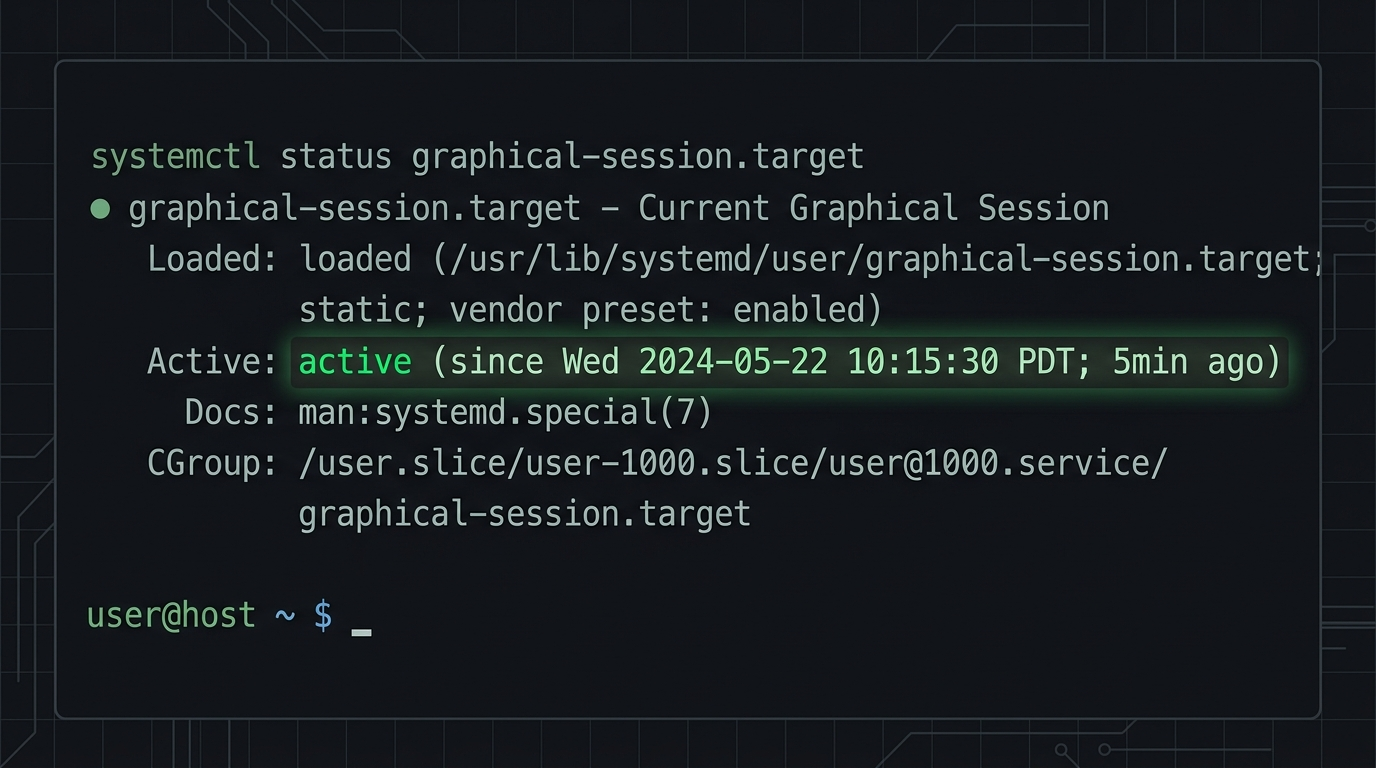
sudo systemctl --machine=USERNAME@.host --user status graphical-session.target
That query returned:
graphical-session.target - Current graphical user session
    Active: active since 11:25:19; 32min ago
graphical-session.target was active for a user who had no active graphical session. Not even a login attempt was in progress. GNOME 50 checks that target's state as part of its session-start logic, sees it already active, refuses to launch a second one, and the login flashes back to the greeter.
On GNOME 46 (Ubuntu 25.10's version), the same misconfiguration was tolerated. GNOME 50 enforces it.
Why the target was stuck
We had a custom systemd user service running under this account for a small local relay process. Its unit file included:
[Unit]
Wants=graphical-session.target
After=graphical-session.target
Reasonable-looking configuration. Says "run this after the graphical session is up." What it actually does under linger:
- User has
Linger=yes, so their systemd user manager auto-starts on boot without any login. - That user manager starts the custom service on boot.
- The custom service
Wants=graphical-session.target, so systemd pulls the target intoactiveas a side effect. graphical-session.targetnow reports active for a user who has no desktop session.- Later, when the user tries to log in on the desktop, GNOME 50's session-start check sees the target already active and aborts.
Wants= is bidirectional. It does not just wait for something to be up. It brings it up if it isn't.
The fix
Two lines removed from the service unit file:
# Delete these:
Wants=graphical-session.target
After=graphical-session.target
The service still starts on user manager boot via WantedBy=default.target in the [Install] section. That is the right pattern for a background service that does not need the desktop to be up. Reboot-safe, login works first try.
If the service genuinely needs the graphical session, use WantedBy=graphical-session.target in the [Install] section instead. That starts the service when the target activates for a real desktop login, and does not pull the target up on its own.
The lesson
If your Ubuntu upgrade breaks desktop login for one specific user on a box, and the log says "A graphical session is already running," check the target's state before assuming it is GDM, PAM, keyring, dconf, permissions, Wayland, or anything else the forums list.
sudo systemctl --machine=USERNAME@.host --user status graphical-session.target
If it is active and the user is not logged in, the culprit is a systemd user unit somewhere that has Wants=graphical-session.target in its [Unit] section. Find it, remove those two lines, log in.
Why we are writing this up
We ship security tooling for small businesses, and half of what a small IT team spends time on is upgrade regressions that eat an afternoon and never make the release notes. If your MSP is losing hours to problems like this, you are our customer. Radar and Sarge exist to give you back time.
If you found this post through a search for that exact error message and it saved you a couple of hours, that is enough.