
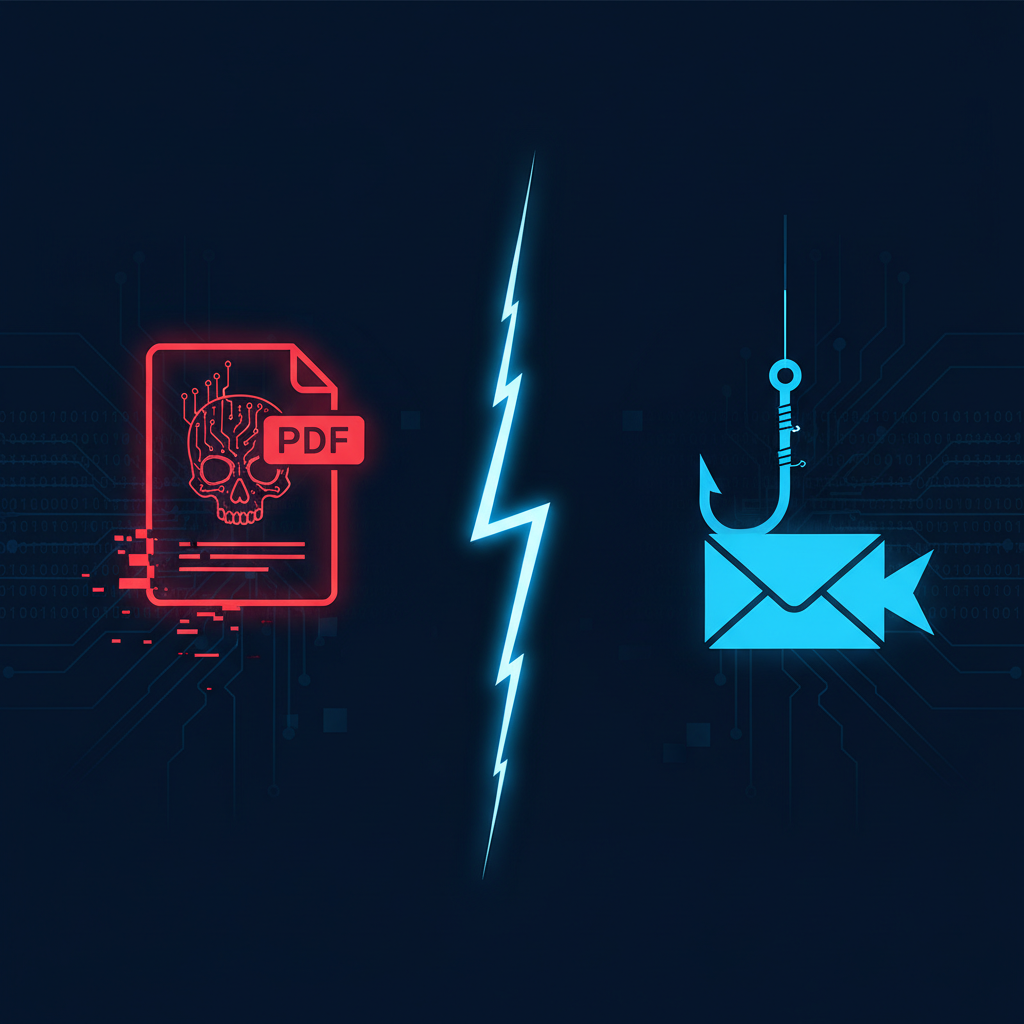
For years, small business security training has hammered one message: watch out for phishing emails. That advice isn't wrong — but it's dangerously incomplete. While your team was scanning inboxes for suspicious links, attackers were quietly exploiting a four-month-old Adobe Reader zero-day to execute remote code through ordinary-looking PDF files. No clicks on sketchy links. No obvious red flags. Just a document.
So which threat vector is actually costing small businesses more — malicious PDFs or phishing attacks? The honest answer: both are bleeding you dry, and treating one as more urgent than the other is exactly the prioritization mistake attackers are counting on.
The Adobe Reader Zero-Day: Four Months of Silent Exploitation
In April 2026, Adobe issued an emergency patch for a critical remote code execution (RCE) vulnerability in Acrobat and Reader. What made this one particularly alarming wasn't just the severity — it was the timeline. According to Krebs on Security, the flaw had been actively exploited in the wild before a patch even existed, meaning businesses were exposed with no vendor-supplied fix available for months.
The Hacker News reported that this Adobe emergency patch landed the same week Microsoft dropped patches for 169 vulnerabilities — including a SharePoint zero-day — making April 2026 one of the most demanding patch weeks in recent memory for IT teams. For small businesses with one IT admin wearing five hats, that's not a patch backlog. That's a crisis.
The PDF attack vector is particularly dangerous for small businesses because:
- PDFs are trusted by default. Invoices, contracts, government forms — your team opens them without hesitation.
- RCE means full compromise. A successful exploit doesn't just steal data; it can give attackers persistent access to your entire network.
- Zero-days have no patch to apply. Your vulnerability scanner can flag known CVEs, but a four-month unannounced zero-day lives in a blind spot.
As we've covered in our breakdown of zero-day exploits vs. unpatched vulnerabilities for small businesses, the window between discovery and patch deployment is where the most damage happens — and small businesses are disproportionately hurt because they lack the monitoring to detect exploitation attempts.
Phishing Isn't Slowing Down Either
While the PDF zero-day was making headlines, a separate campaign emerged: attackers spoofing Google support phone numbers in vishing (voice phishing) calls, convincing targets they'd been compromised and needed to hand over credentials or install remote access tools.
This is social engineering at its most sophisticated — leveraging brand trust (Google) and urgency (you've been hacked) to bypass every technical control you've deployed. No malware required. No patch can stop it.
Phishing and its variants remain the entry point for an estimated 90% of data breaches. For small businesses, the financial toll is steep:
- Average cost of a phishing-related breach for SMBs: $4.88 million (IBM Cost of a Data Breach Report, 2024 — though smaller businesses often face proportionally devastating losses even at lower absolute dollar amounts)
- Business Email Compromise (BEC) losses exceeded $2.9 billion in reported losses to the FBI in a single year
- Compliance exposure: A successful phishing attack that exfiltrates customer data can trigger FTC Safeguards Rule violations, CMMC Level 1 failures, and Ohio SB 220 safe harbor disqualification simultaneously
For a deeper look at why standard phishing training often fails to prevent these outcomes, our post on why phishing awareness training fails and what a repeatable defense system looks like is worth reading before you budget another round of click-rate simulations.
The Real Cost Comparison
Here's the uncomfortable truth when you put both vectors side by side:
| Factor | Malicious PDF / RCE | Phishing / Vishing |
|---|---|---|
| Technical barrier for attacker | High (requires exploit) | Low (requires a phone or email) |
| Detection difficulty | Very high (especially zero-days) | Moderate (with training + filtering) |
| Blast radius | Full network compromise possible | Credential theft, BEC, ransomware |
| Patch availability | Delayed or nonexistent for zero-days | N/A — human layer, not software |
| Compliance impact | High (data exfiltration risk) | High (same) |
| Average SMB cost | Higher per incident | Higher frequency |
The verdict: phishing attacks happen more often; PDF/RCE exploits cost more per incident. A small business with a limited security budget that ignores either one is gambling.
What Small Businesses Should Actually Do
Given that you can't do everything, here's a prioritized, budget-conscious defense posture:
1. Patch aggressively and track it. The Adobe Reader zero-day had a patch — eventually. The businesses that applied it within 48 hours of release dramatically reduced their exposure window. Automated patch management isn't optional anymore. If your team is manually tracking updates across 169 Microsoft patches plus Adobe emergencies in the same week, something will get missed.
2. Restrict PDF rendering where possible. Disable JavaScript execution in Adobe Acrobat/Reader (Edit > Preferences > JavaScript > uncheck). Use browser-based PDF rendering for untrusted documents. Consider sandboxed PDF viewers for finance and HR teams who handle external documents regularly.
3. Deploy DNS filtering and email security. Most phishing and vishing campaigns rely on spoofed domains or look-alike infrastructure. DNS filtering blocks malicious destinations before a connection is made. Email security tools that flag display-name spoofing catch a significant percentage of BEC attempts before they reach inboxes.
4. Run a vulnerability scan before attackers do. Known vulnerabilities — including outdated Adobe Reader versions across your endpoints — are discoverable before they're exploited. A scan gives you a prioritized list of what needs patching now versus what can wait. This is especially critical for CMMC Level 1 compliance, where demonstrating basic asset management and patch practices is a core requirement.
5. Train for vishing, not just phishing. Your team knows not to click suspicious links (mostly). Do they know what to do when someone calls claiming to be Google support? Build a simple verification protocol: hang up, look up the official number independently, call back. Normalize skepticism of urgency.
The Prioritization Trap
The biggest mistake small business IT admins make isn't choosing the wrong tool — it's choosing one threat to defend against and calling it a day. The April 2026 threat landscape made that choice impossible: a four-month PDF zero-day and a record 169-vulnerability Microsoft Patch Tuesday dropped in the same week that Google-spoofing vishing campaigns were actively targeting businesses.
Attackers don't specialize. Your defenses can't either.
Take Action: Stop Guessing, Start Scanning
You can't patch what you don't know is vulnerable. Before the next zero-day drops — or the next phishing campaign hits your team — get a clear picture of your actual attack surface.
Oscar Six Security's Radar gives small businesses and government contractors a professional vulnerability scan for $99. It identifies outdated software (like unpatched Adobe Reader installs), exposed services, and misconfigurations that make you an easy target — before attackers find them first.
Focus Forward. We've Got Your Six.