
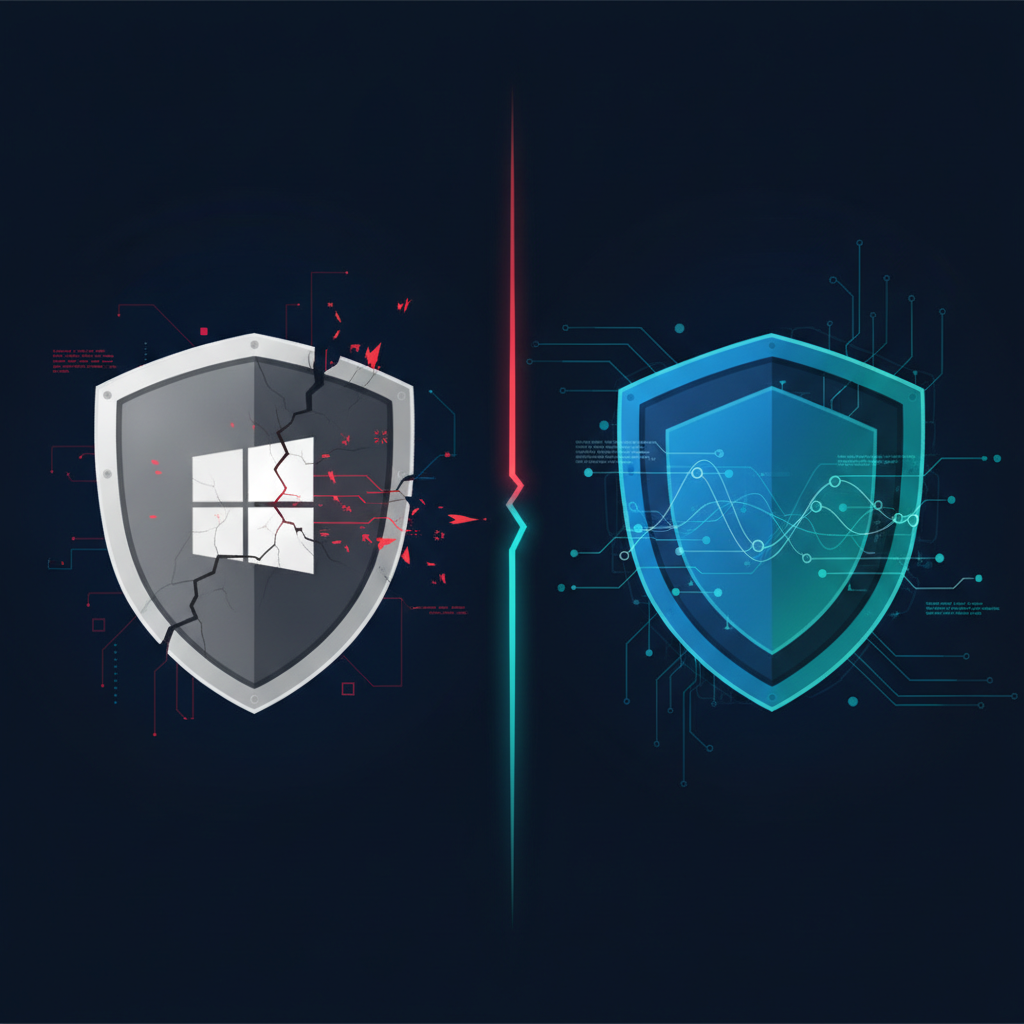
An IT admin on Reddit described it clearly: a user landed on a fake CAPTCHA page, got tricked into running a PowerShell command, and Windows Defender didn't flag a thing. The attack — a ClickFix lure — was caught only because the organization had an EDR layer watching for behavioral anomalies. The post sparked a real debate in the community: is Defender actually enough for a small business?
This week gave us three fresh answers. And none of them are reassuring if you're running Defender alone.
What Happened This Week
Attack 1: 119 Malicious Browser Extensions Hiding Payloads in Images
According to The Hacker News, Microsoft removed 119 Edge extensions tied to a campaign called StegoAd — active since 2021 — that hid credential-stealing payloads inside image and font files using steganography. The extensions sat dormant, looked legitimate, and only activated under specific conditions. Signature-based detection doesn't catch what it can't see, and a payload buried in a PNG file doesn't look like malware until it's already executing.
Attack 2: A Python Infostealer That Deliberately Avoids Detection
According to The Hacker News, attackers hijacked npm and Go packages and used VS Code task runners to deploy a Python-based infostealer — specifically engineered to avoid standard npm execution paths that security tooling monitors. This is the same evasion logic behind ClickFix: don't trigger the known detection rule, and you walk right through. If your only layer is Defender's default ruleset, you're relying on the attacker making a mistake you've already anticipated.
Attack 3: A CVSS 9.2 SSH Flaw With a Public Exploit
Also according to The Hacker News, a critical memory corruption vulnerability in libssh2 (CVE-2026-55200) now has a public proof-of-concept. No credentials required. No user interaction. CVSS 9.2. The window between disclosure and active exploitation is shrinking — and signature updates don't keep pace with weaponized PoCs. Behavioral detection and real-time response capabilities do.
Three different attack types. Three different evasion techniques. One common thread: they all exploit the detection gap the Reddit community identified.
What Windows Defender Actually Does Well
Let's be fair. Defender is not nothing. Microsoft has invested heavily in it, and for a baseline, it covers a lot of ground:
- Known malware signatures: Defender's threat intelligence is updated frequently and catches a wide range of commodity malware.
- Basic behavioral heuristics: Microsoft Defender for Endpoint (the paid tier) adds some behavioral detection, cloud-based analysis, and attack surface reduction rules.
- Integration with Microsoft 365: If you're already in the Microsoft ecosystem, Defender integrates cleanly with Intune, Entra ID, and Sentinel.
- Zero additional cost on Windows: For small businesses with no security budget, Defender is a meaningful baseline — better than nothing, better than many legacy AV products.
If your threat model is "employee downloads a known bad executable," Defender handles that reasonably well.
Where Defender Stops
The problem isn't what Defender catches. It's what it doesn't.
Signature-based detection misses novel and dormant threats. StegoAd ran for five years before Microsoft pulled the extensions. The payload was there the whole time — just not in a form that matched a known signature.
Defender doesn't reconstruct attack chains. When a user pastes a PowerShell command from a fake CAPTCHA page, Defender may not flag the PowerShell execution itself if the command doesn't match a known malicious string. EDR tools watch the sequence — browser spawns PowerShell, PowerShell contacts an external IP, encoded command runs — and alert on the behavior, not just the payload.
Memory-based and fileless attacks are largely invisible to traditional AV. A weaponized libssh2 exploit running in memory doesn't write a suspicious file to disk. There's nothing for a file scanner to find.
Evasion is table stakes now. The VS Code task runner technique isn't sophisticated — it's just a different execution path. Attackers know which paths security tools watch and deliberately choose the ones they don't. As we covered in our analysis of zero-day exploits vs unpatched vulnerabilities, the gap between "known" and "unknown" threats is where most small business breaches actually happen.
What EDR Actually Adds
Endpoint Detection and Response tools — Huntress, SentinelOne, CrowdStrike Falcon Go, Microsoft Defender for Endpoint Plan 2 — add layers that signature-based AV doesn't have:
- Behavioral telemetry: Every process, network connection, registry change, and file write is logged and analyzed against behavioral baselines.
- Attack chain reconstruction: EDR correlates individual events into a timeline, so analysts (or automated rules) can see the full picture of what happened.
- Automated response: Isolate an endpoint, kill a process, roll back changes — without waiting for a human to react.
- Threat hunting: EDR gives you the data to go looking for threats that haven't triggered an alert yet.
- Managed detection (MDR): Many EDR vendors offer 24/7 SOC coverage on top of the tool, which is what most small businesses actually need.
For small businesses and MSPs, Huntress is frequently recommended in the community specifically because it's priced for SMBs and includes managed threat hunting. Microsoft Defender for Endpoint Plan 2 is worth evaluating if you're already paying for Microsoft 365 Business Premium — it's included.
The Honest Answer for Small Business IT
If you have 1-50 employees and you're running Defender with no EDR layer, you have a baseline — not a security program. The ClickFix attack that started this conversation didn't require a sophisticated nation-state actor. It required a user who followed instructions on a fake webpage. That's your actual threat model.
The question isn't whether you can afford EDR. It's whether you can afford the breach that happens without it. We've written about this cost calculus before in the context of ransomware liability and legal exposure for small businesses — the downstream costs of an incident almost always exceed the annual cost of the tool that would have caught it.
For CMMC Level 1 contractors: Defender meets some baseline requirements, but behavioral monitoring and incident response capability are increasingly scrutinized. EDR documentation strengthens your compliance posture significantly. See our CMMC Level 1 compliance guide for specifics.
What to Run: A Practical Stack
| Business Size | Minimum Recommendation | |---|---| | 1-10 employees | Windows Defender + Huntress or MDE Plan 1 | | 11-50 employees | EDR (Huntress, MDE Plan 2, or SentinelOne) + managed alerting | | 51-250 employees | EDR with MDR service + vulnerability scanning | | MSPs | EDR on your own infrastructure first, then client deployments |
Defender is the floor. EDR is the ceiling you actually need.
Take Action
EDR catches threats on the endpoint — but attackers also probe your network perimeter, exposed services, and unpatched systems before they ever touch an endpoint. Knowing what's visible and exploitable from the outside is the first step to closing gaps before someone else finds them.
Oscar Six Security's Radar gives small businesses and MSPs an affordable external vulnerability scan for $99 — no retainer, no enterprise contract. You get a clear picture of what's exposed, what needs patching, and what to prioritize.
Focus Forward. We've Got Your Six.