
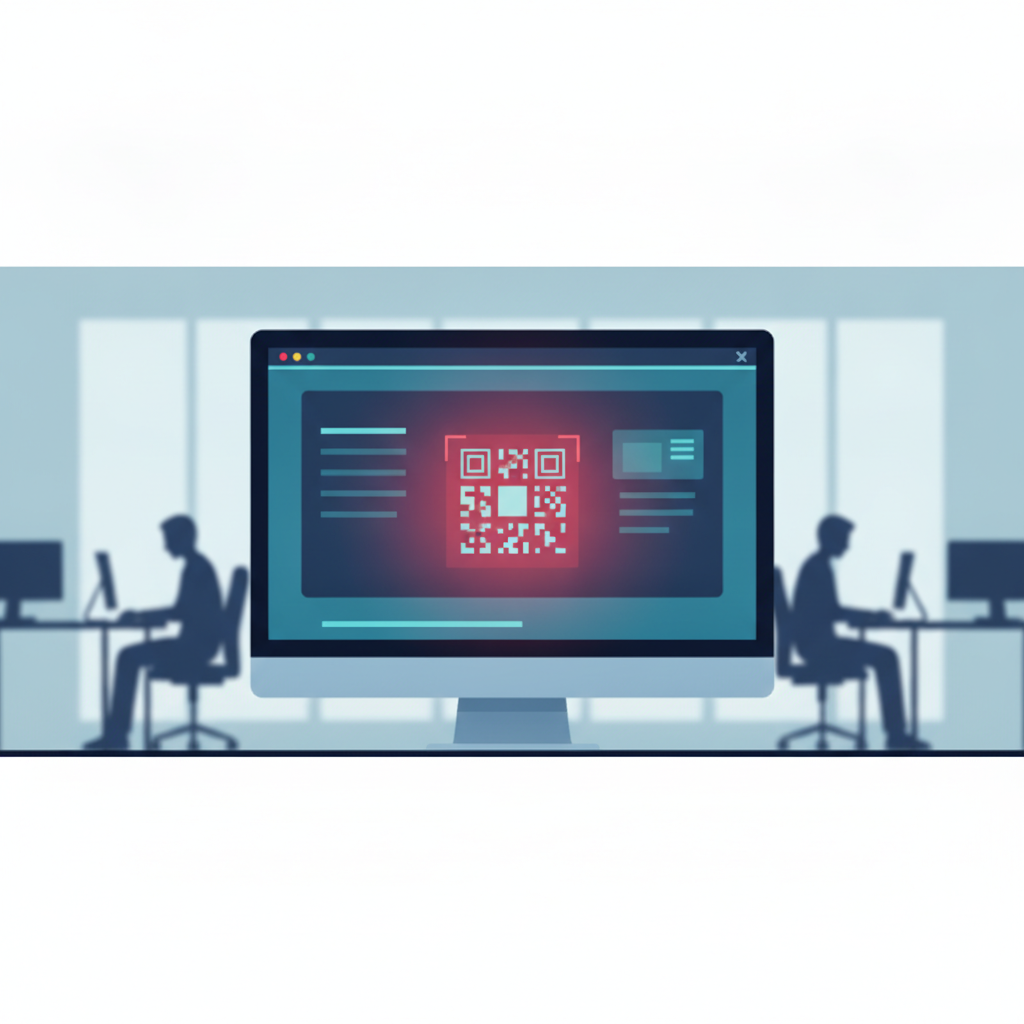
One employee. One confused moment. One copy-pasted command. That's all a ClickFix attack needs to turn your Tuesday into a full endpoint reimaging.
An MSP recently described exactly this scenario in a community discussion about whether Windows Defender is enough: a user at a small organization encountered what looked like a routine CAPTCHA verification prompt. The page told them to press Win+R, paste a command into the Run dialog, and hit Enter to "verify" they weren't a robot. They did it. The EDR caught the malicious PowerShell payload — but the machine still had to be wiped and reimaged. The attacker needed zero technical skill. The user needed only one moment of confusion.
That's the ClickFix threat model in 2026. And it just got harder to defend against.
What ClickFix Actually Looks Like
ClickFix is a social engineering technique, not a piece of malware. The attacker builds or compromises a webpage that displays a convincing error message or CAPTCHA prompt. The page instructs the visitor to "fix" the issue by opening PowerShell or the Windows Run dialog and pasting in a command — which the page conveniently provides and may even auto-copy to the clipboard.
The command is the payload. It typically reaches out to an attacker-controlled server and downloads malware: infostealers, remote access tools, ransomware droppers, or credential harvesters. The user never downloads a file. No attachment, no executable double-click. Just a command they typed themselves, which makes it feel legitimate and bypasses a lot of conventional user instincts about "don't open strange files."
The fake CAPTCHA variant is particularly effective because CAPTCHAs are already friction — users are conditioned to complete them without thinking too hard.
The 2026 Upgrade: Polymorphic API-Driven Payloads
Here's where it gets worse. According to The Hacker News, a researcher who analyzed 3,000 live ClickFix payloads found that the infrastructure behind these attacks has matured significantly. The malware is now served by API-driven backends that generate a uniquely disguised version of the payload for every visitor. Same malware, different signature each time.
This is called polymorphic delivery, and it directly undermines signature-based detection. Your endpoint security tool may have a signature for a known ClickFix payload — but if every request gets a freshly obfuscated variant, that signature never matches. The research also identified a new delivery method specifically engineered to bypass Windows script scanning, adding another layer of evasion.
For a 50-person company running a standard EDR or even a well-configured Windows Defender setup, this matters. As we covered in our deep dive on Windows Defender and EDR for small business, detection tools are only one layer of a defense strategy — and they are not a guarantee.
Why Small Businesses Are the Ideal Target
ClickFix doesn't require the attacker to find a vulnerability in your software. It requires finding a gap in your users' awareness. And that gap is wide.
According to The Hacker News, a Bitdefender survey of 1,200 IT professionals found that organizations broadly understand cyber risk but consistently fail to translate that awareness into operational resilience. In other words: knowing a threat exists does not protect you if your users can't recognize a fake CAPTCHA in the moment.
Small businesses rarely have dedicated security awareness programs. Training, if it happens at all, is often a once-a-year compliance checkbox. ClickFix is designed to exploit exactly that gap — the space between "we know phishing is a thing" and "our users can identify a social engineering prompt under time pressure."
And the threat landscape around credential and identity attacks is escalating in parallel. The Hacker News reported on an Azure CLI password spray campaign — sourced from Huntress, the same EDR vendor cited in the real-world ClickFix incident — that hit at least 78 Microsoft accounts across 81 million+ attempts. EDR alone didn't stop that either. The broader picture is clear: attackers are going after SMB-scale environments aggressively, through multiple vectors simultaneously.
This is also why we've written about the human factor in social engineering breaches at small businesses — the technology layer and the human layer have to work together.
Three Things You Can Do This Week
You don't need a six-month security program to reduce your ClickFix exposure. Here are three concrete actions:
1. Block PowerShell execution for standard users. Most employees have no legitimate reason to run PowerShell. Use Group Policy or your endpoint management tool to restrict PowerShell execution to administrator accounts only. This doesn't stop every attack, but it removes the most common ClickFix delivery mechanism for non-technical users.
2. Run a ten-minute tabletop with your team. Show your staff what a ClickFix prompt looks like. Pull up a screenshot of a fake CAPTCHA that instructs the user to open Run or PowerShell. Ask: "What would you do?" The goal isn't to shame anyone — it's to create a memory. People remember threats they've seen, even in a simulation. Do this in your next all-hands or team meeting. It takes ten minutes.
3. Establish a "stop and call IT" norm. The most effective single behavior change you can drive is this: if a website ever asks you to run a command, stop and call IT before doing anything. Build this into your onboarding, post it near workstations, and reinforce it verbally. The attack only works if the user completes the action. A one-minute phone call breaks the chain.
Your EDR Is Not Enough on Its Own
The real-world ClickFix incident that sparked this conversation had EDR in place. It caught the payload. The machine still got reimaged. That's a best-case outcome — and it still cost hours of IT labor, potential data exposure during the window before detection, and user downtime.
Polymorphic payloads make the detection problem harder. User behavior is still the first and most reliable line of defense. But knowing what vulnerabilities exist in your environment — what's exposed, what's misconfigured, what an attacker would see when they look at your perimeter — gives you the context to prioritize your defenses before an incident forces your hand.
As we've discussed in our guide to phishing awareness training and repeatable defense systems, awareness alone isn't enough. It has to be paired with technical controls and a clear picture of your actual exposure.
Take Action
ClickFix works because attackers can see your environment better than you can. They know which users are likely targets, which endpoints are running outdated configurations, and which gaps your current tools might miss.
Oscar Six Security's Radar gives you that same visibility — for $99 per scan. Radar identifies exposed services, misconfigurations, and attack surface risks before an attacker does, so you can close gaps instead of reimage machines.
Focus Forward. We've Got Your Six.