
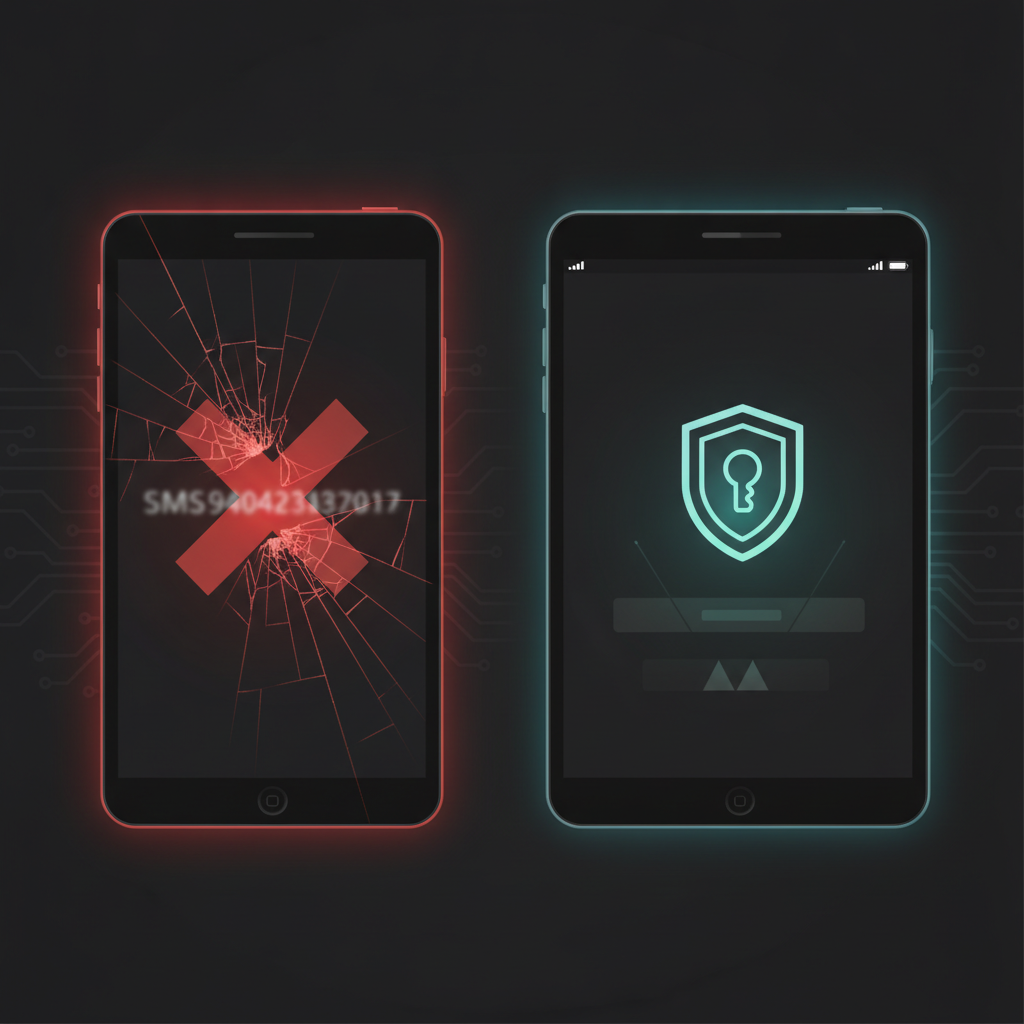
If your organization is still using SMS-based multi-factor authentication for Microsoft 365 or Entra ID accounts, you have a hard deadline staring you down: September 1, 2026. After that date, Microsoft will retire SMS and voice call authentication methods in Entra ID. If you haven't migrated your users, they won't just be less secure — they could be locked out entirely.
But here's the part that should really get your attention: the reason Microsoft is doing this isn't bureaucratic housekeeping. It's because SMS MFA is failing in the real world, at scale, right now.
MFA Was Present — And Still Failed
A July 2026 analysis from Security News on identity-based attacks delivered a sobering finding: MFA was deployed in 97% of credential-based attacks that still resulted in compromise. Read that again. Organizations had MFA turned on, and attackers got in anyway.
How? Because not all MFA is created equal. SMS codes can be intercepted via SIM-swapping, where an attacker convinces your carrier to port your phone number to their device. They can also be stolen in real-time via adversary-in-the-middle (AiTM) phishing, where a proxy site captures your SMS code the moment you type it and replays it to the real Microsoft login page before it expires. The attacker is logged in before you even close the tab.
This isn't theoretical. It's the attack pattern behind some of the most damaging Microsoft 365 breaches hitting small businesses right now. As we covered in our breakdown of Microsoft 365 login attacks and SMB controls, attackers specifically target weak MFA configurations because they know it's the path of least resistance.
Phishing Campaigns Are Evolving Faster Than SMS Can Keep Up
The threat landscape isn't standing still while you plan your migration. A July 16, 2026 report from Security News documented over 1 million phishing emails using hidden text techniques specifically designed to evade AI-powered email security filters. These campaigns are built around real-time credential harvesting — and SMS codes are the prize.
Meanwhile, The Hacker News reported that threat actor UAC-0145 is actively using fake CAPTCHA screens (a technique called ClickFix) to manipulate users into executing malicious commands on their own machines. The social engineering playbook has evolved to the point where users are being tricked into defeating their own security controls. If a user can be convinced to run a PowerShell command disguised as a CAPTCHA verification, they can absolutely be convinced to hand over an SMS code to what looks like a Microsoft login page.
We've covered the ClickFix technique in detail in our ClickFix fake CAPTCHA attack guide for SMB IT managers — it's worth a read if your users haven't been briefed on it.
What Actually Happens on September 1, 2026
Microsoft has announced that SMS and voice call authentication will be retired as MFA methods in Entra ID on September 1, 2026. Here's what that means in practice:
- Users who only have SMS configured as their MFA method will lose access. They won't be prompted to set up a new method at login — they'll simply fail authentication.
- Admins who haven't pushed alternative methods will face a support crisis as users get locked out, potentially across the entire organization simultaneously.
- There is no grace period announced after the deadline. Microsoft has been clear this is a hard cutoff.
For small businesses without a dedicated IT team, this is the kind of event that can bring operations to a halt on a Tuesday morning with no warning.
What You Should Be Using Instead
Microsoft is pushing organizations toward phishing-resistant authentication methods, specifically:
1. Passkeys (FIDO2) — Cryptographic credentials stored on a device or security key. They cannot be phished because there's no code to intercept. The authentication is bound to the legitimate domain, so a fake login page gets nothing useful.
2. Microsoft Authenticator (with number matching) — The app-based push notification with number matching is significantly stronger than SMS. It's not fully phishing-resistant in the way passkeys are, but it's a major improvement and far easier to deploy at scale.
3. Hardware security keys (FIDO2) — YubiKeys and similar devices. Ideal for privileged accounts, admin roles, and high-risk users.
For most small businesses, the pragmatic path is: migrate everyone to Microsoft Authenticator now, and move high-risk accounts to passkeys or hardware keys.
Your Migration Checklist Before September 1
Step 1: Audit your current MFA methods. In Entra ID, go to Protection > Authentication Methods > Activity to see which users have SMS configured as their only or primary MFA method. These are your at-risk accounts.
Step 2: Enable the Microsoft Authenticator authentication method in your Entra ID tenant if it isn't already. Go to Protection > Authentication Methods > Policies.
Step 3: Run a registration campaign. Use Entra ID's built-in registration campaign feature to prompt users to register a new method at their next login. Set it to require completion within 14 days.
Step 4: Communicate with your users before the deadline. Don't let September 1 be a surprise. Send a plain-language email explaining that the text message login option is going away, what they need to download, and who to call if they need help.
Step 5: Disable SMS as an authentication method in your tenant after confirming all users have migrated. Don't leave it enabled as a fallback — that defeats the purpose.
Step 6: Prioritize privileged accounts for passkeys or hardware keys. Your Global Admins, IT admins, and finance users should not be on app-based push alone. Move them to FIDO2.
The Compliance Angle
If you're a government contractor working toward CMMC Level 1 compliance, this isn't optional guidance — it's directly tied to your access control requirements. Phishing-resistant MFA is increasingly the expected baseline, and SMS doesn't meet it. Our CMMC Level 1 compliance guide for small businesses covers where authentication fits into your broader compliance posture.
Don't Wait for the Lockout
The September 1 deadline is close. The threat data is unambiguous — SMS MFA is being actively defeated at scale. And the migration path is straightforward if you start now. The organizations that will struggle are the ones that treat this as a future problem until it becomes an emergency.
Audit your tenant this week. Find your SMS-only users. Get them migrated.
Take Action
MFA misconfigurations are one of the most common — and most dangerous — gaps we find in small business Microsoft 365 environments. But they're rarely the only one. Exposed services, misconfigured permissions, and unpatched systems often sit quietly alongside weak authentication until an attacker finds them first.
Oscar Six Security's Radar ($99/scan) gives you a clear picture of your external attack surface — the open doors attackers see before you do. It's an affordable way to know where you stand before a deadline or a breach forces the issue.
Focus Forward. We've Got Your Six.